Last updated: May 12, 2026
AI tools have moved from gimmick to legitimate part of the packaging-design stack in the last 18 months. Midjourney, Adobe Firefly, ChatGPT, Ideogram, and Canva’s AI features are now in active use at brand-design teams across food, beverage, supplement, and cosmetics. The question for a CPG brand isn’t whether to use AI in your packaging design — it’s where AI actually helps, where it wastes time, and what your printer needs to see when an AI-touched design hits production.
This guide is a practical industry breakdown. AI-generated artwork is now a routine arrival at custom label and packaging printers across the country, and patterns are clear about what holds up, what falls apart at the press, and how to get the most out of AI inside a real custom label and packaging design process in 2026.
Table of Contents
- What does AI packaging design actually mean in 2026?
- 5 design tasks where AI saves real time
- Where AI design tools fail right now
- Tool-by-tool: which AI tools work for packaging design
- Getting AI-generated artwork print-ready
- AI and regulatory copy on labels
- A working brand-team workflow for AI packaging design
- FAQ
What does AI packaging design actually mean in 2026?
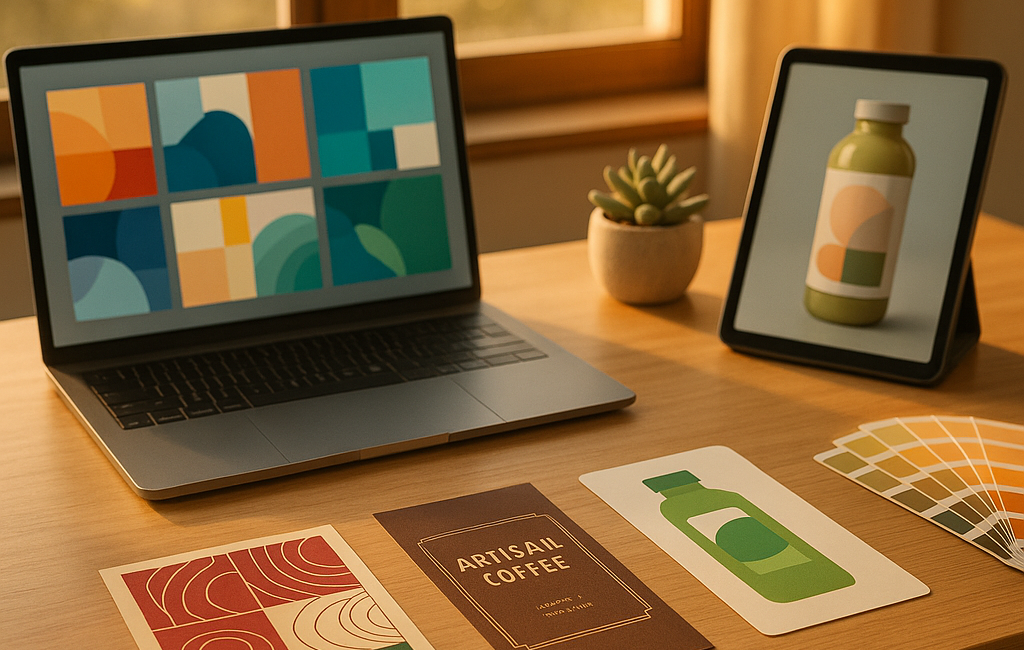
AI packaging design in 2026 covers three distinct things, often conflated in marketing copy: (1) AI image generation for visual concepts and moodboards, (2) AI copywriting for product names, taglines, and on-pack story copy, and (3) AI-assisted layout and variant generation inside design software like Adobe Illustrator and Photoshop. Each requires a different workflow, a different review process, and a different conversation with the printer who will eventually produce the labels.
Most of the AI gains brands are reporting right now are in concept exploration and variant generation — not final-art production. That distinction matters because it sets the expectation for how much human design and prepress work still happens after the AI step.
5 design tasks where AI saves real time
The tasks where AI is genuinely faster than a senior designer in 2026:
- Concept exploration and moodboards. A brand team can generate 30 distinct visual directions for a new product launch in an afternoon using Midjourney or Firefly — work that previously took a contract designer two weeks. The outputs are inspiration, not final art.
- Variant generation. Once a base label design exists, AI tools can produce 20 color/layout variants for A/B testing or stakeholder review in minutes. Adobe Firefly’s generative recolor inside Illustrator is the standout here.
- Photo retouching and background removal. Where designers used to spend 30 minutes per product shot manually masking, AI tools handle it in seconds with usable quality for most catalog and ecommerce use.
- Mockup generation. Wrapping a flat artwork around a 3D bottle, jar, or pouch for sales presentations used to mean hiring a 3D designer or buying expensive mockup software. AI mockup tools (Smartmockups, Placeit, Mockup AI) produce passable shelf renders in seconds.
- Translation and localization copy. AI translation handles first-pass localization of label copy for export markets (always followed by a native-speaker review for regulatory and tone). Significant time savings for brands selling into Canada, Mexico, or EU markets.
Where AI design tools fail right now
What still doesn’t work well enough to ship without major human cleanup:
- Generating final print-ready vector artwork. AI image tools produce raster output. Production label printing wants vector for type, logos, and crisp edges. Converting AI raster to vector via Illustrator’s Image Trace gets you 60% there — the remaining 40% is manual cleanup.
- Type and lettering. AI image generators still produce malformed letters in the image itself. Anything that has to read as legible on-pack copy still needs to be typeset by a designer over the AI background.
- Trademark and IP-safe imagery. AI tools sometimes generate imagery too close to existing brands or trademarks. Without a legal review you can ship copyright exposure.
- Regulatory copy. Nutrition facts, ingredient lists, allergen statements, FDA-required claims — AI confidently produces inaccurate versions. Always review against authoritative sources like the FDA Food Labeling and Nutrition resources.
- Color accuracy. The colors you see on your screen from an AI tool aren’t the colors that will print. Without proper Pantone or CMYK callouts established at the brand level, AI outputs lead to color-match surprises at the press.
Print-prep on AI-generated artwork is now a routine step at any modern custom label printer — see this prototyping technology overview for an example of what a real production prepress operation looks like.
Tool-by-tool: which AI tools work for packaging design
| Tool | Best for | Avoid for |
|---|---|---|
| Midjourney | Brand moodboards, packaging concept exploration, atmospheric product photography style | Final art, type, regulatory copy |
| Adobe Firefly (in Illustrator/Photoshop) | Generative recolor, generative fill, background extension, variant generation inside existing artwork | Standalone concept work — Midjourney is stronger here |
| ChatGPT / Claude | Naming variations, on-pack story copy drafts, descriptive long-form copy, translation first pass | Regulatory copy, nutrition facts, ingredient lists, allergen statements (always verify) |
| Ideogram | Concepts where readable text on the image matters (better at type than Midjourney) | Same caveats — concept only, not final art |
| Canva AI / Magic Studio | Quick social/marketing collateral derived from a finished label design | Production label artwork — output isn’t print-ready |
| Smartmockups / Placeit | Sales presentation mockups, ecommerce thumbnails, shelf renders for stakeholder review | Photography for actual retail use (still need real product photography) |
Getting AI-generated artwork print-ready
The single biggest gap between an AI design and a printed label is print-readiness. Before any AI-touched artwork lands at the press, it has to pass the standard prepress checklist: correct color mode (CMYK or Pantone, not RGB), proper resolution (300 dpi or vector), bleed allowance (0.125 inch standard), die line on a separate layer, type converted to outlines or fonts supplied, and color separations that don’t surprise the press operator.
For brands using AI to generate concept artwork, the workable workflow is:
- Generate concept in Midjourney / Firefly / Ideogram
- Bring into Illustrator as a placed raster
- Typeset all label copy (product name, ingredients, claims, regulatory copy) directly in Illustrator over the AI background
- Replace any AI-generated type with real typography
- Convert color to CMYK or Pantone
- Add die line and bleed
- Run prepress proof — visual check + preflight
- Send to printer with all working files
A reputable printer will run an additional prepress check pass before press — color, type integrity, regulatory copy review, die line confirmation. For an example of what a thorough prepress QC pass looks like, see this quality control process overview.
AI and regulatory copy on labels
Do not generate regulatory copy with AI without human verification. The single most common AI mistake we see on customer-supplied artwork is AI-generated ingredient lists, allergen statements, and nutrition facts that look right but are wrong. Even minor errors expose brands to FDA enforcement and recalls.
Safer pattern: have AI help draft marketing copy (“our slow-roasted almonds bring warm caramel notes…”) and reserve regulatory copy for your regulatory or QA team. For food and beverage brands, the FDA Food Labeling & Nutrition resources and the 21 CFR Part 101 in eCFR are the authoritative sources.
A working brand-team workflow for AI packaging design
What we see in customer brand teams that use AI well:
- AI for divergent thinking, designer for convergent. Use AI to generate 20 directions, then have a real designer pick one and execute it cleanly.
- Lock the brand system before involving AI. Colors, typography, logo treatments need to be human-defined first. AI riffs inside that system; it doesn’t define it.
- Build a prepress checklist for AI-touched files. Type integrity, color mode, vector vs raster, regulatory copy verification.
- Talk to your printer early. Before sending 30 AI mockups to a press for quoting, a real production printer can tell you which design elements will and won’t reproduce well at your label size. That conversation saves both sides time.
FAQ
Can I get a label printed if my design was created with AI?
Yes — much of the artwork moving through custom label printers in 2026 has at least some AI in the design chain. The print process itself doesn’t care whether AI was involved. What matters is that the file arrives print-ready: correct color mode, proper resolution or vector format, type outlined or supplied, die line on a separate layer, and proper bleed.
Do AI tools support Pantone spot colors?
Not natively in 2026. AI image generators produce RGB output. Pantone-spot-color callouts have to be applied during the prepress step in Illustrator or InDesign. If color match against a Pantone reference is critical to your brand, lock the Pantone values before using AI for concepts.
Will AI replace packaging designers?
Short answer in 2026: no. AI is replacing junior production tasks — moodboards, variants, retouching, simple mockups — not the senior design judgment that figures out what a brand should look like in the first place. The brand teams getting the most out of AI right now still have a designer driving.
How does AI affect cost of a custom label print run?
It doesn’t directly. Print pricing is driven by label size, quantity, material, number of colors, and finishing — not by how the artwork was created. Where AI affects cost is in design time on the brand side (fewer billed designer hours) and in faster turnaround from concept to first proof. The press doesn’t know or care.
Ready to get an AI-touched label design quoted?
If you’ve got AI-generated artwork that needs a real prepress pass and a quote for a short run, send it over. Contact White Graphics or request a quote through the label shop.
About the publisher
White Graphics is a custom label printing and packaging company in Naperville, Illinois, producing short-run, mid-run, and long-run pressure-sensitive labels and custom packaging for food, beverage, supplement, cosmetic, and household-product brands across the country. Learn more about the company or see the full expertise.
Related reading: turning AI concepts into physical packaging prototypes · digital mockups vs. physical prototypes
